

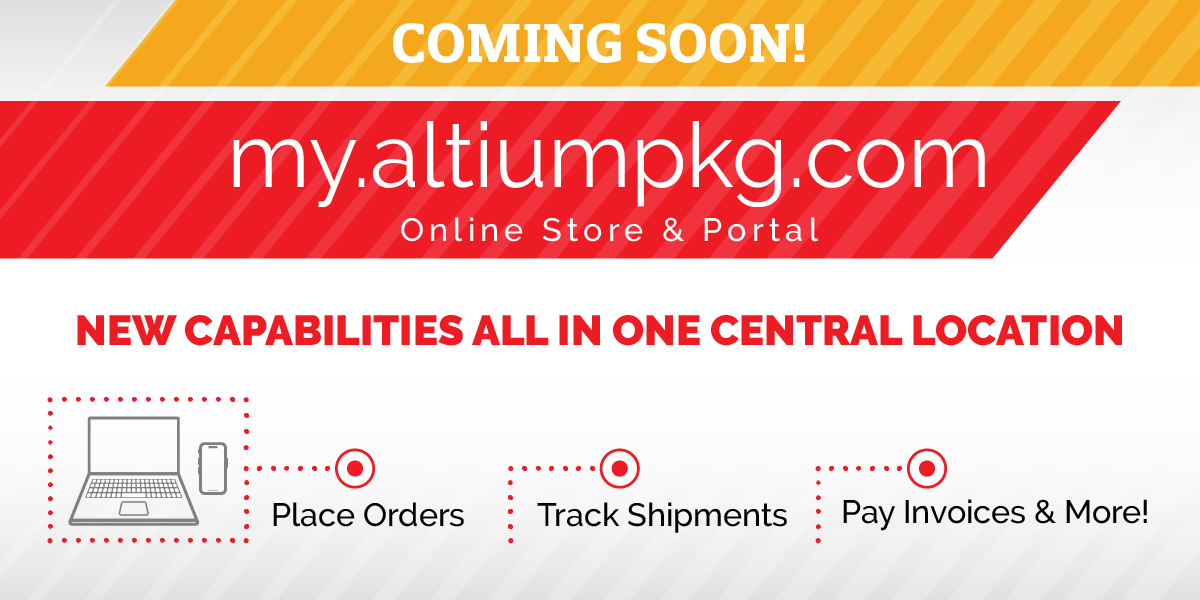
Your New Online Store & Customer Portal

What’s Coming:
Order Experience Upgrades:
New Customer Portal Features:
Order Experience Upgrades:
Order Experience Upgrades:
Expanded Product Inventory
- View and order from an expanded catalog of all of our healthcare products instead of the limited set of items you could order previously.
24/7 Online Ordering
- See current pricing for items across the entire catalog to compare and make your selections confidently.
Real-Time Pricing
- See current pricing for items across the entire catalog to compare and make your selections confidently.
Custom Cap Order Enhancement
- Request and track custom cap orders directly through the new eCommerce platform instead of going to multiple places
New Customer Portal Features:
New Customer Portal Features:
Account Management
- Self-register for the portal with your existing account number or create a new account if you’re a new customer
- Manage access and contact information for multiple users from your organization
- View and pay invoices with a credit card
Order Status & History
- Check order status
- Track shipments in real time
- View past orders from the last 12 months
- Quickly reorder past purchases
Quality & Service Case Submission
- Report quality or service issues directly from your account
- Easily view and respond to messages from our Customer Service team

Frequently Asked Questions
The new online store and customer portal are launching in early 2026. If you’d like to be notified when it’s ready, please add your email here.
Of course! You’re welcome to place orders however works best for you, whether it’s through the portal or by sending them to our team. Regardless of how you place orders, you’ll still be able to view each of them through the customer portal.
If you’re a new customer, you can upload tax forms during the registration process. If you’re an existing customer, your tax exemption info will automatically carry over to the new customer portal once you activate your account.
If you’ve ordered from us before, there’s no need to create a new account. All you need is your account number and shipping zip code to activate your account in the customer portal. Once you’re logged in, you’ll see all the details and order history for your existing account.
Whoever is the first to activate the account in the customer portal with the account number and shipping zip code will automatically become the designated account administrator. When the next team member requests to register/activate the same account, the designated account administrator will receive an email with a link to approve or deny their request. Once multiple team members have joined the account, the account administrator can manage user access, permissions, and contact information as needed.
No need! In the new customer portal, you’ll have the ability to create and save Lists for quick and easy reordering.